> For the complete documentation index, see [llms.txt](https://docs.marpledata.com/docs/llms.txt). Markdown versions of documentation pages are available by appending `.md` to page URLs; this page is available as [Markdown](https://docs.marpledata.com/docs/marple-insight/user-manuals/analysis/add-data-sets.md).
# Add Data Sets
### Add data to empty project
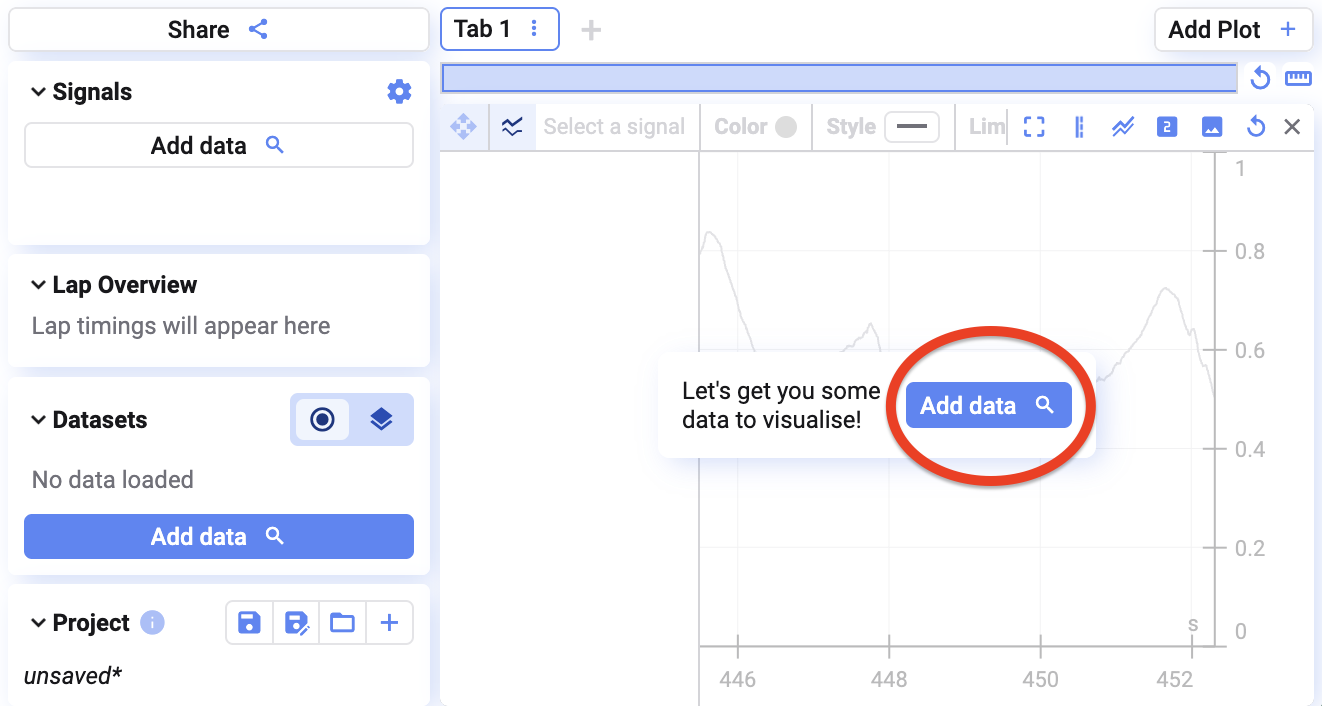
If you have no data loaded yet, click on the **Add data** button that appears on your screen.
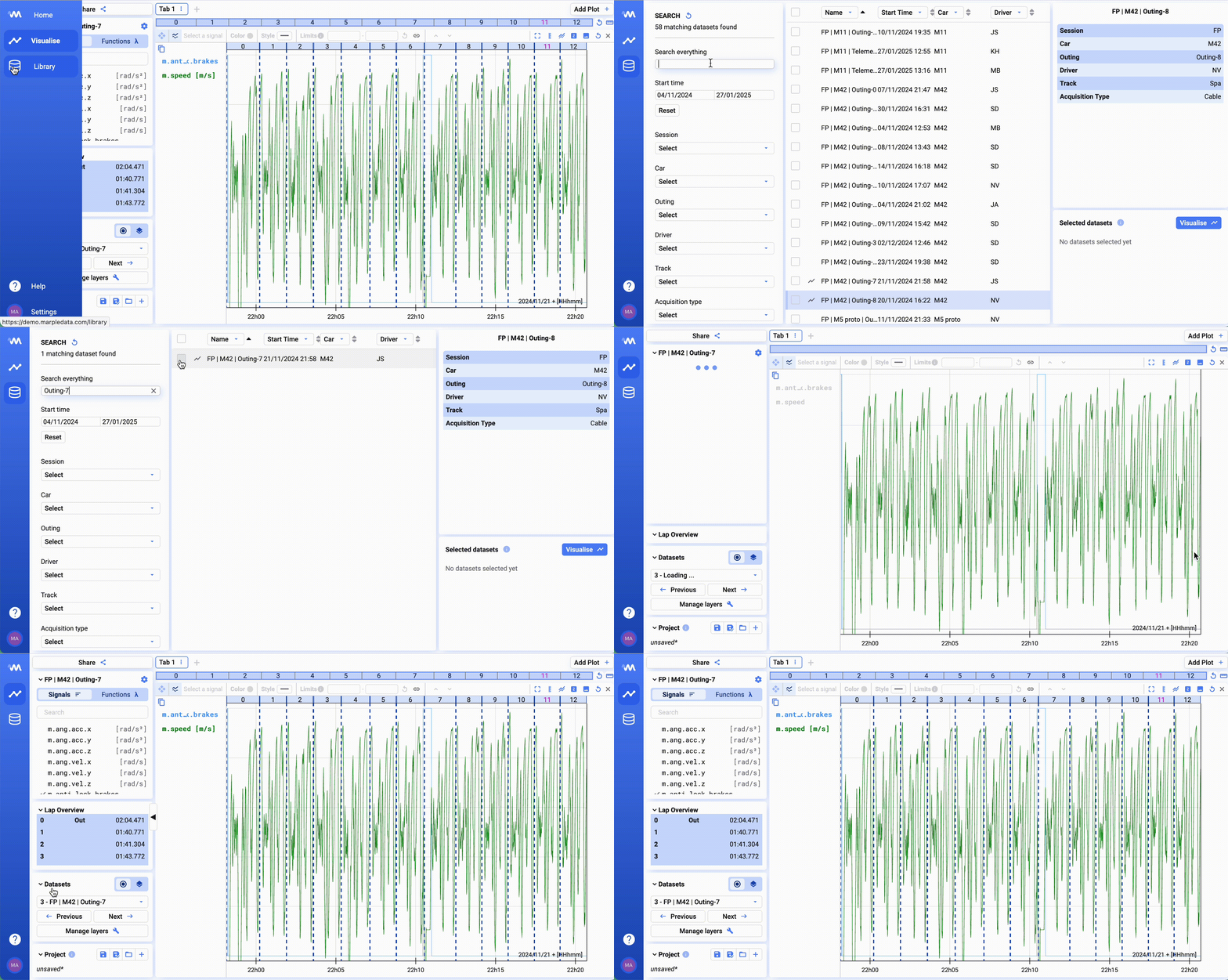
Next find and select data in the data list as described in [Database](/docs/marple-insight/user-manuals/database.md#selecting-data).
### Add additional data
If data has already been loaded to your project, you will not see the 'add data' button. To add data to your project:
1. Go to the data library;
2. Find and select the data you would like to load;
3. Click on **Visualise** in the bottom right corner of the screen.
### Switch between datasets
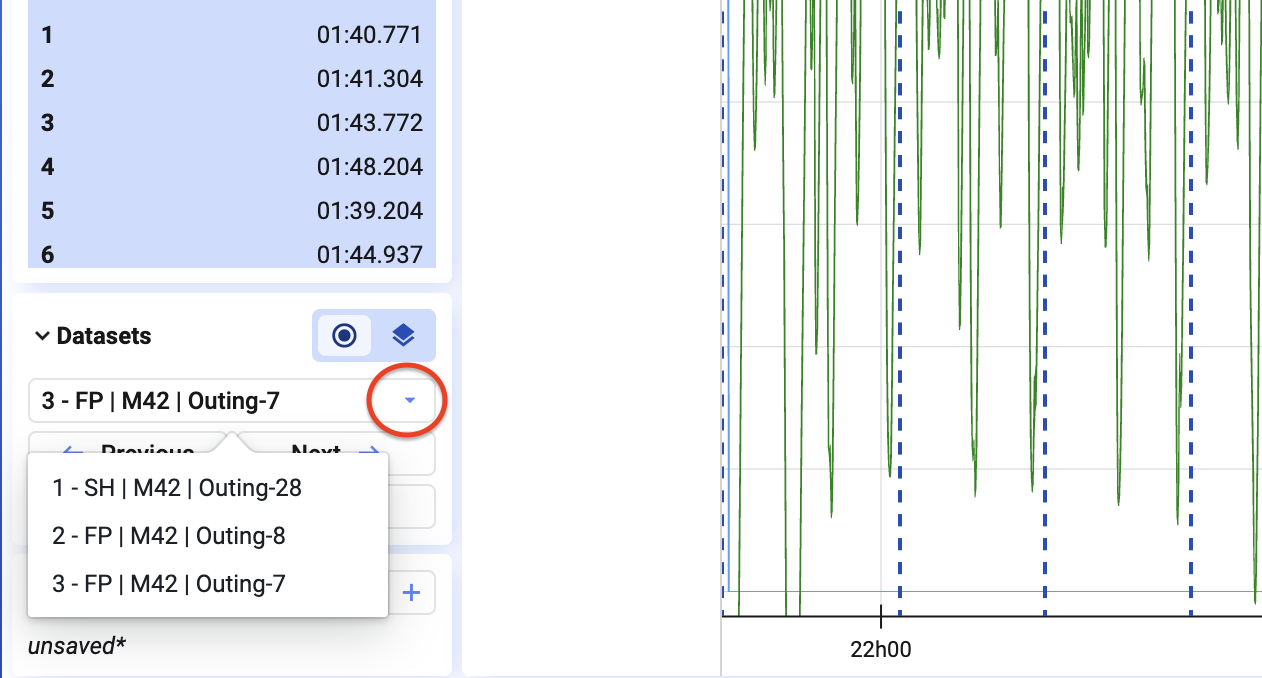
In the bottom left of your screen, you see which data is currently loaded to the plots. By clicking on the dropdown list, you can select a different dataset.
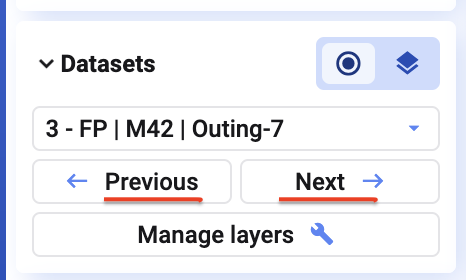
You can also use the left and right arrows in the modal to switch between the various datasets.
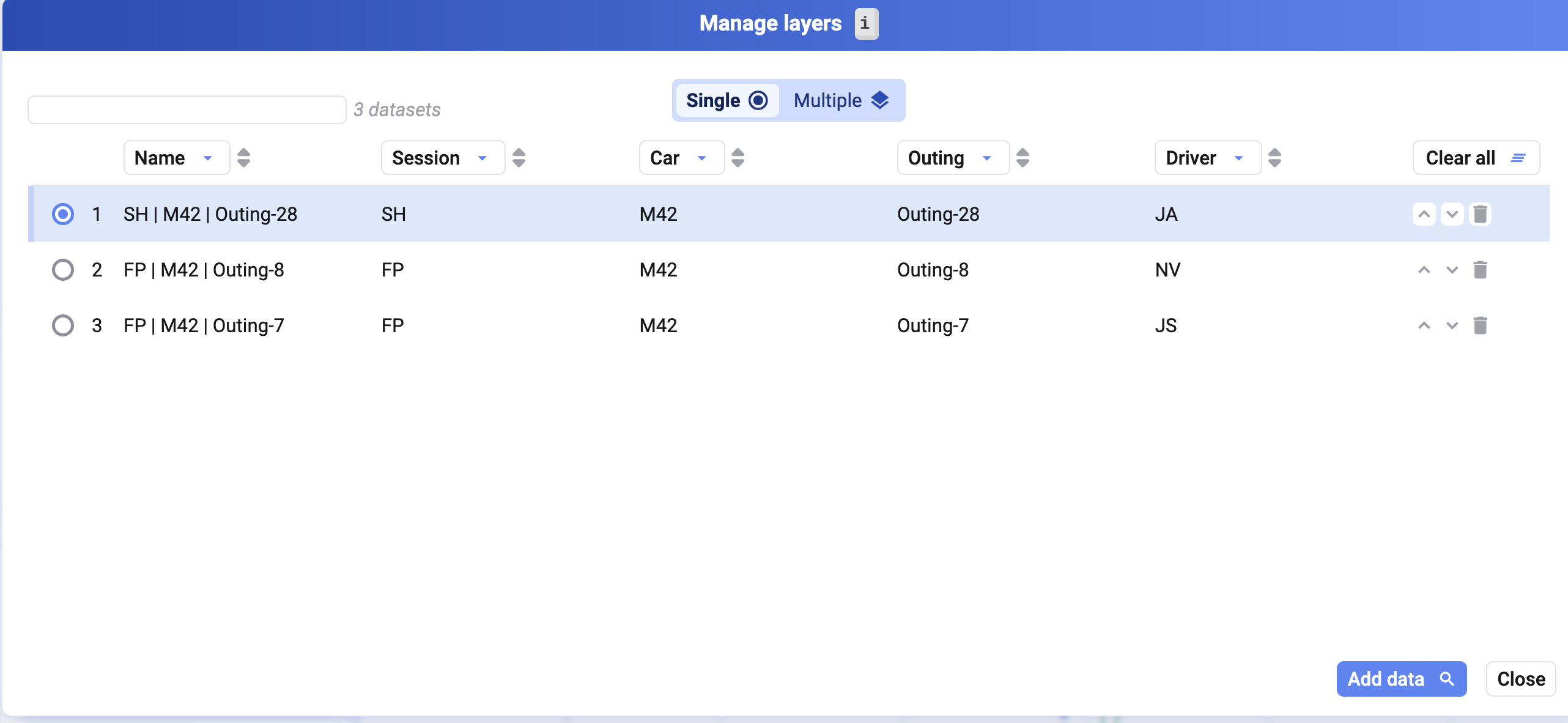
If you click on **Manage layers**, you also get a nice overview of which layers have been loaded to the project. You can also click the key `i` to open the **Manage layers** dialog.
From this dialog, you can:
1. Select the dataset you would like to visualise;
2. Change the order of the datasets;
3. Add more data; or
4. Remove a dataset you have loaded.
### Remove dataset