> For the complete documentation index, see [llms.txt](https://docs.marpledata.com/docs/llms.txt). Markdown versions of documentation pages are available by appending `.md` to page URLs; this page is available as [Markdown](https://docs.marpledata.com/docs/marple-insight/user-manuals/analysis/plot-types.md).
# Plot types
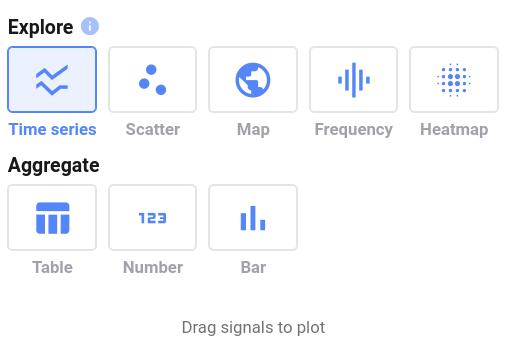
Marple has eight plot types:
{% content-ref url="/pages/v03YcitlAMgBUua0ezh6" %}
[Time Series](/docs/marple-insight/user-manuals/analysis/plot-types/time-series.md)
{% endcontent-ref %}
{% content-ref url="/pages/062YxDxK9jSk5z3ST4FW" %}
[Scatter](/docs/marple-insight/user-manuals/analysis/plot-types/scatter.md)
{% endcontent-ref %}
{% content-ref url="/pages/Focf4ZGdxXI09nhdqyQ1" %}
[Map](/docs/marple-insight/user-manuals/analysis/plot-types/map.md)
{% endcontent-ref %}
{% content-ref url="/pages/KTbnJR3aka8fuMv1YqLh" %}
[Frequency (FFT)](/docs/marple-insight/user-manuals/analysis/plot-types/frequency-fft.md)
{% endcontent-ref %}
{% content-ref url="/pages/q98btqqlQUsuSJmS9GLV" %}
[Heatmap](/docs/marple-insight/user-manuals/analysis/plot-types/heatmap.md)
{% endcontent-ref %}
{% content-ref url="/pages/Bo9PfiD0rMxRQhvmvaSL" %}
[Metadata](/docs/marple-insight/user-manuals/analysis/plot-types/metadata.md)
{% endcontent-ref %}
{% content-ref url="/pages/P4TKuc5b0Ore0Fti3Zcz" %}
[State](/docs/marple-insight/user-manuals/analysis/plot-types/state.md)
{% endcontent-ref %}
{% content-ref url="/pages/HIY7YcocpWR9mXFHBZ0V" %}
[Message](/docs/marple-insight/user-manuals/analysis/plot-types/message.md)
{% endcontent-ref %}
You can also add aggregate views to your plot.
{% content-ref url="/pages/CgSsM4dUaSOxuH0ok2QP" %}
[Aggregates](/docs/marple-insight/user-manuals/analysis/plot-types/aggregates.md)
{% endcontent-ref %}
In addition, Marple also features Aerospace specific plots.
{% content-ref url="/pages/t9kZHDtQVA2fL0HYn98k" %}
[Primary Flight Display](/docs/marple-insight/user-manuals/analysis/plot-types/primary-flight-display.md)
{% endcontent-ref %}
{% content-ref url="/pages/rZ74oEPFODfcyWrAST3D" %}
[Attitude](/docs/marple-insight/user-manuals/analysis/plot-types/attitude.md)
{% endcontent-ref %}
## Add plot to your project
If you start a new project, or a new tab within an existing project, you will be prompted to select a plot type.
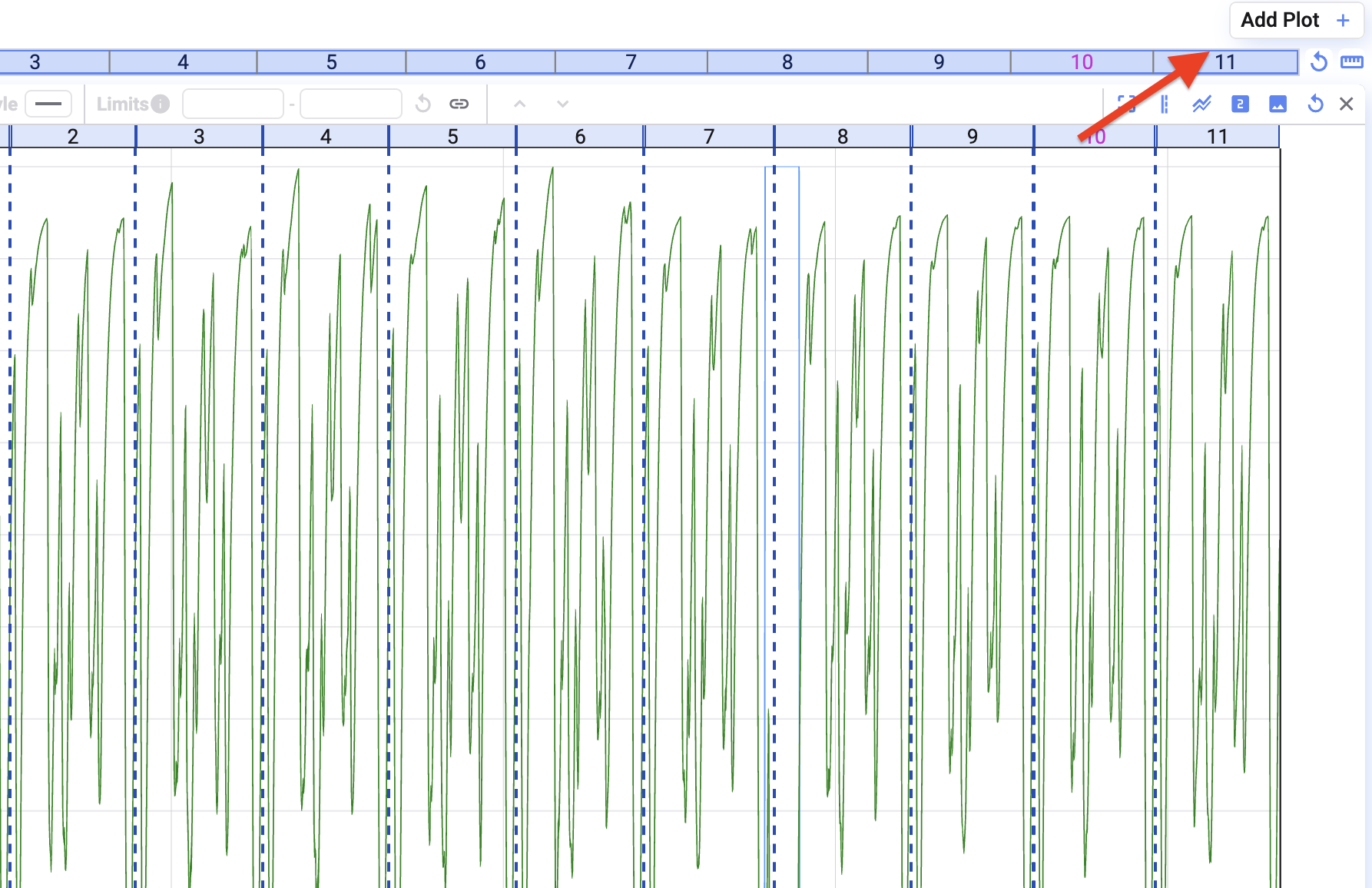
If you want to add a plot to an existing tab, click on the **Add Plot** button in the top right of your screen.