> For the complete documentation index, see [llms.txt](https://docs.marpledata.com/docs/llms.txt). Markdown versions of documentation pages are available by appending `.md` to page URLs; this page is available as [Markdown](https://docs.marpledata.com/docs/marple-insight/user-manuals/analysis/tabs.md).
# Tabs
## Overview
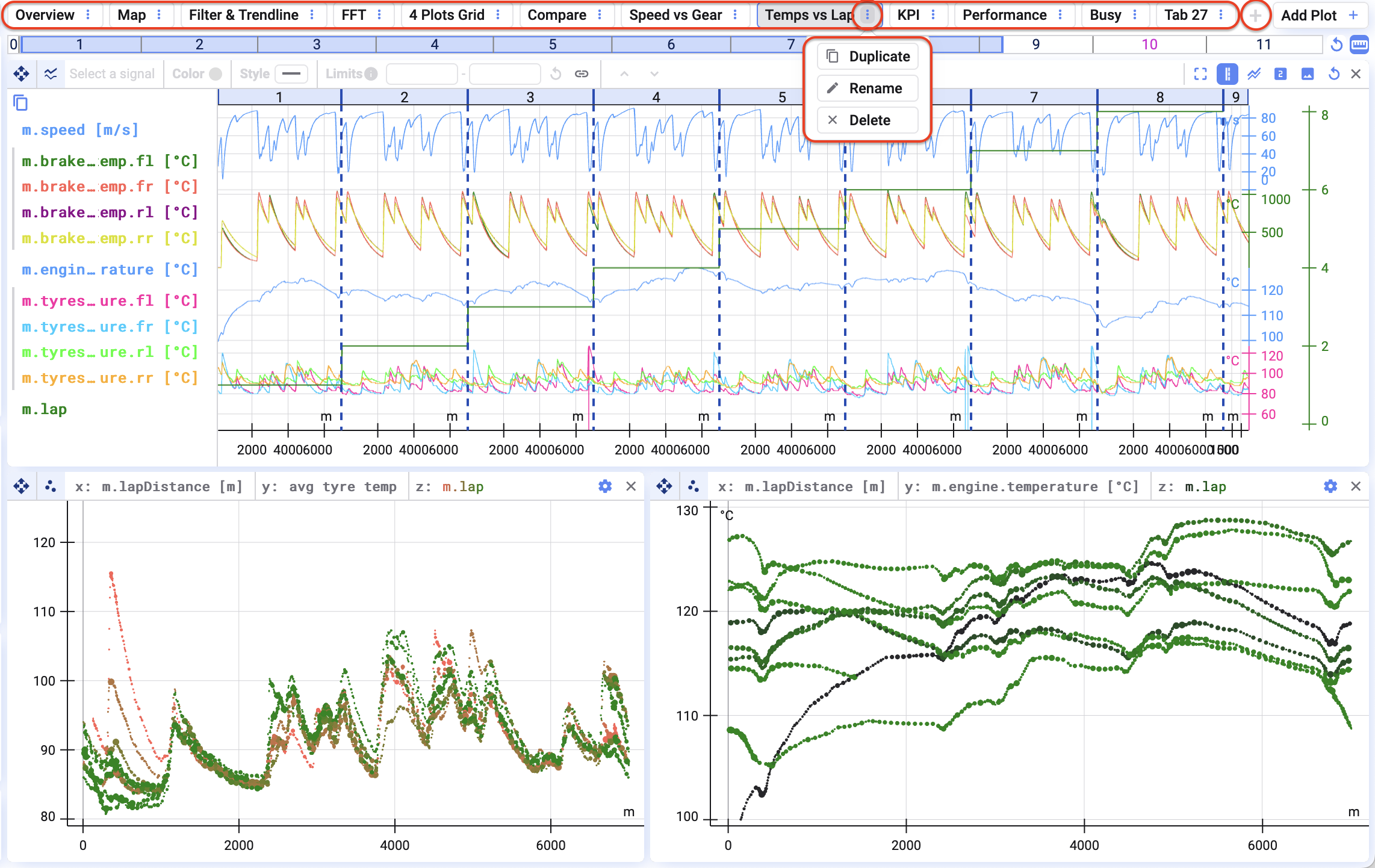
Visualisations are organised in tabs. Good names make it very easy to find back the data.
By clicking on the three dots next to a tab, you can:
* duplicate;
* rename; or
* delete a tab.
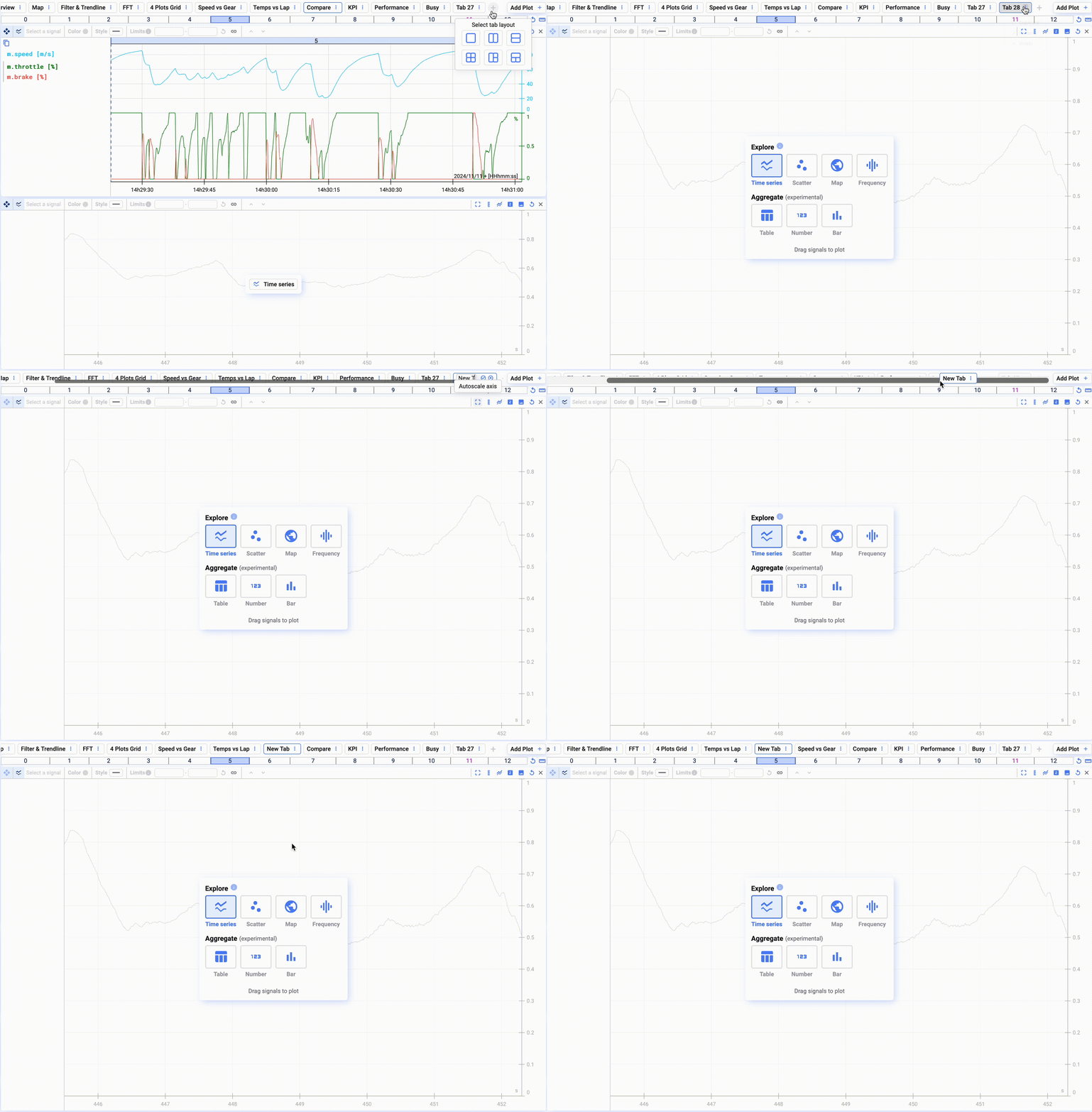
To add a tab, click on the :heavy\_plus\_sign: sign at the end of the tab list.
## Reorganising tabs
To reorganise tabs, simply drag and drop the tab in the desired place.
## Group tabs
You can combine related tabs into groups.
Click the three dots next to the tab name to add a tab to a new or existing tab.
Drag a tab into a group to add it.
You can set a name and color for each group to find them easily.