> For the complete documentation index, see [llms.txt](https://docs.marpledata.com/docs/llms.txt). Markdown versions of documentation pages are available by appending `.md` to page URLs; this page is available as [Markdown](https://docs.marpledata.com/docs/marple-insight/welcome/feedback.md).
# Feedback
Please do! We love hearing from our users
## In Marple Insight (for existing users)
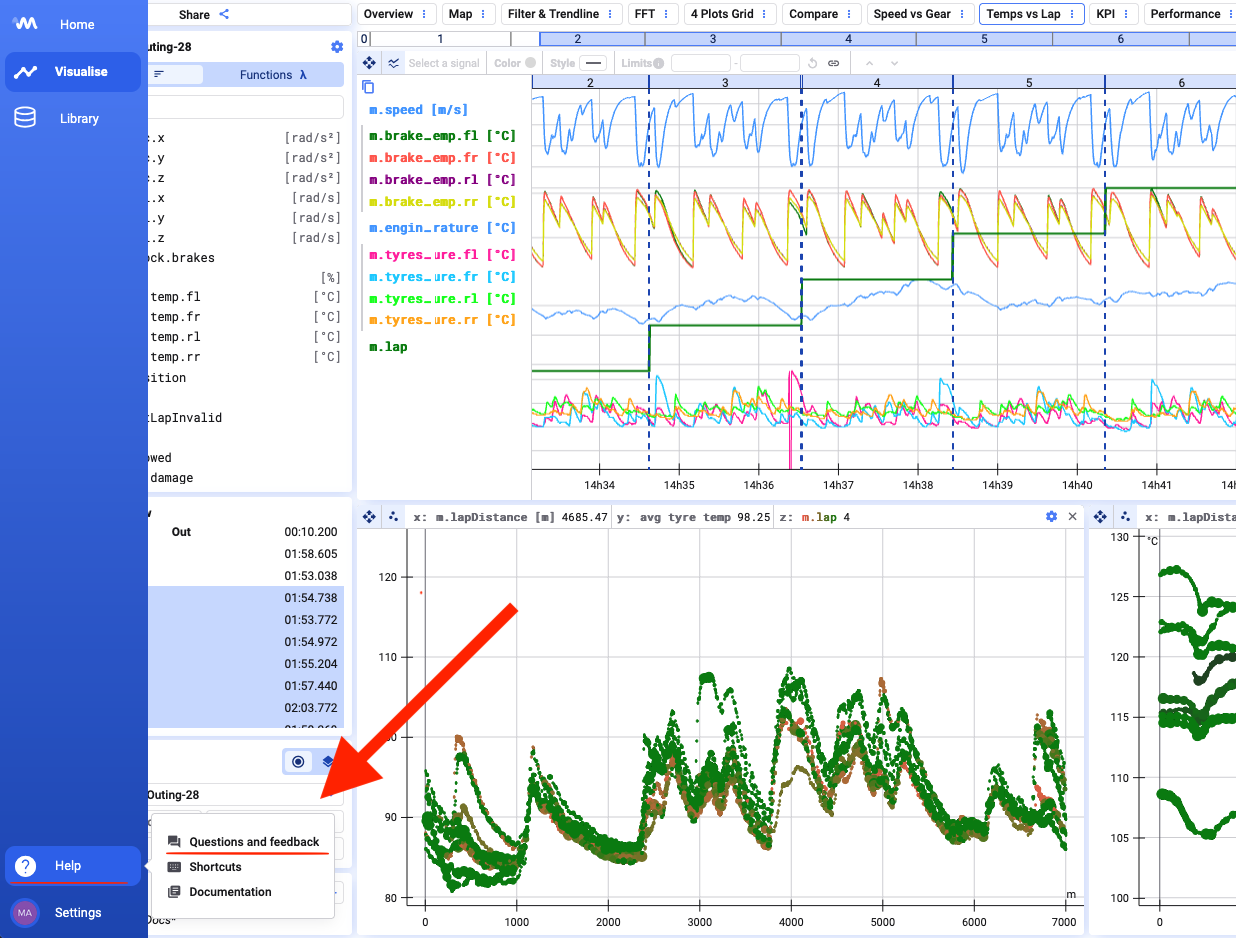
If you have a Marple Insight account and you have a specific user question or feedback, it is easiest to use the integrated help dialog within Marple Insight.
Clicking the **Questions and Feedback** link will open a Gleap dialogue, with which you can easily report issues, request new features or simply contact us!
## Via e-mail
You do not have an account or you prefer to ask us your question about Marple Insight via e-mail? E-mail us at .
Do you prefer to talk with one of our engineers? Use .
.png?alt=media&token=d73ea0fb-d253-4ecd-9ebb-1e2a0a349dcd)